Toggle navigation
Home
Quickstart
Support
Pricing
Languages
EN
DE
Login
Cookies:
qgiscloud.com uses session cookies and additional cookies for analytics. See our
Privacy policy
.
Accept
Documentation
Quickstart
if you encounter problems with any of the steps below, then please consult this page:
QGIS Cloud Support/Knowledgebase
a more detailed documentation can be found in the
QGIS Cloud Documentation
Setup QGIS
Install
QGIS
, the free desktop GIS
Configure your proxy server, if you have one (Settings -> Options -> Network)
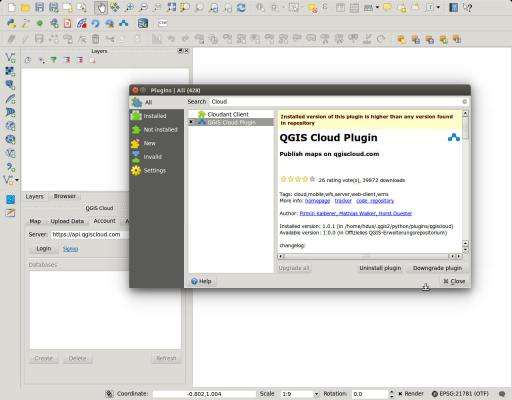
Open Plugin Dialog (Plugins -> Fetch Python Plugins)
Install QGIS Cloud plugin (Plugins -> Filter 'QGIS Cloud' -> Install plugin)
Install the OpenLayers plugin (Plugins -> Filter 'OpenLayers' -> Install plugin) for background maps
Signup
Sign up
for a QGIS Cloud account if not already done
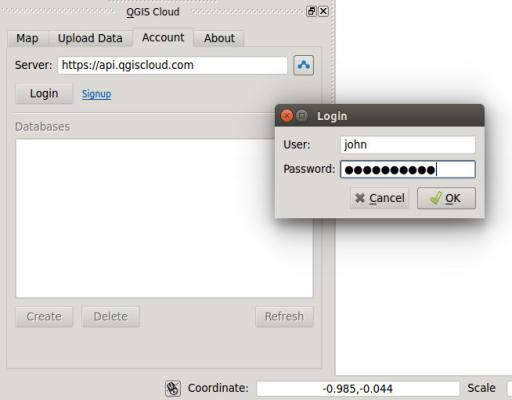
Log in from the QGIS Cloud plugin
Create a QGIS project and publish it
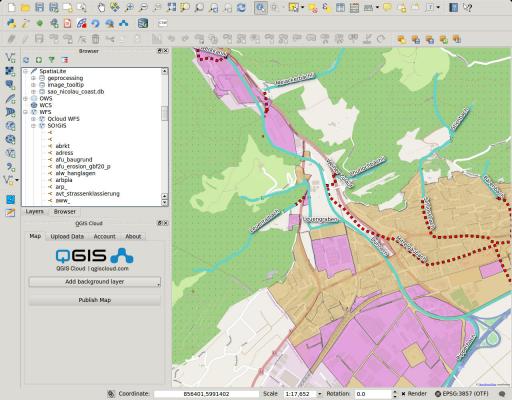
Create a map with your own data
Tip: read the
QGIS documentation
and follow a tutorial, if you're not familiar with QGIS
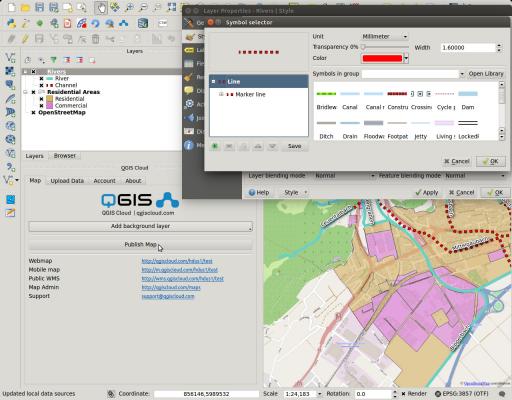
Press 'Publish Map' to upload you map
Answer 'yes' when asked for saving the project
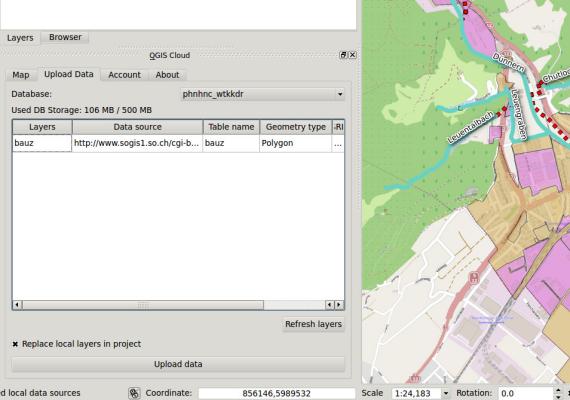
Upload local data
If your project includes local data, you will be asked to upload your data first
Note: if you're behind a firewall blocking the DB connection, please contact the QGIS Cloud support
Update map
After any changes, or when your first data upload has finished, press 'Publish Map' to upload your updated map
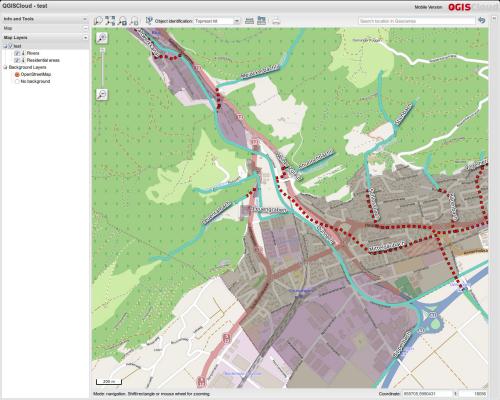
View your map in a browser
Open a web browser clicking on the 'Webmap' link on the plugin tab
© 2013-2026
Sourcepole AG
. All Rights Reserved.
General Terms and Conditions
|
Privacy